Consumer IoT — action camera companion app · 2025–2026
XIAN Action Camera
Defining the user moment, core flows, and UX foundation for an evolving action-camera product.
- Client
- Thinkware (South Korea)
- Role
- Sole UI/UX designer on the BA team
- Outcome
- PRD / R&D phase — UX foundation, design system, product direction
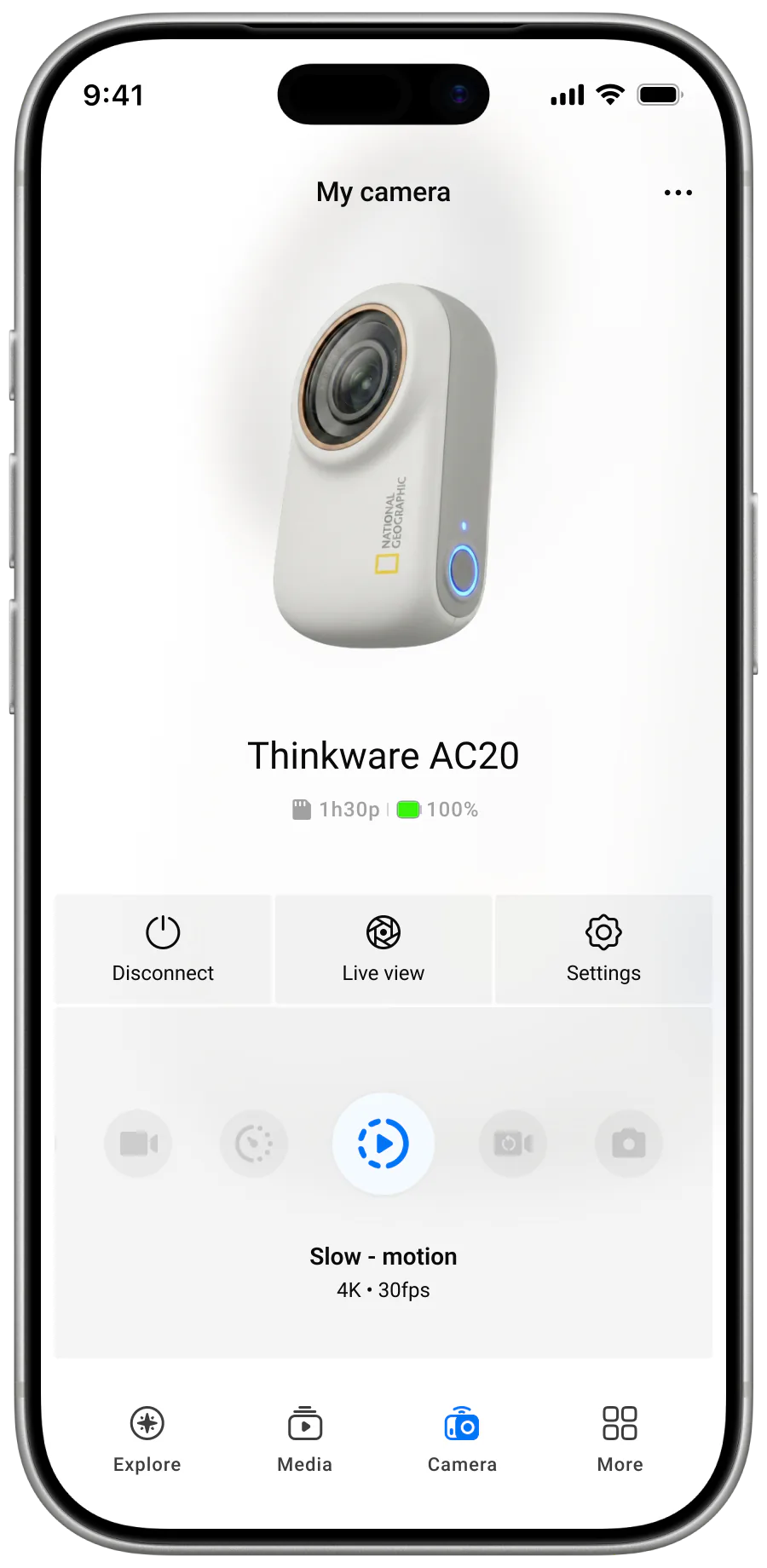

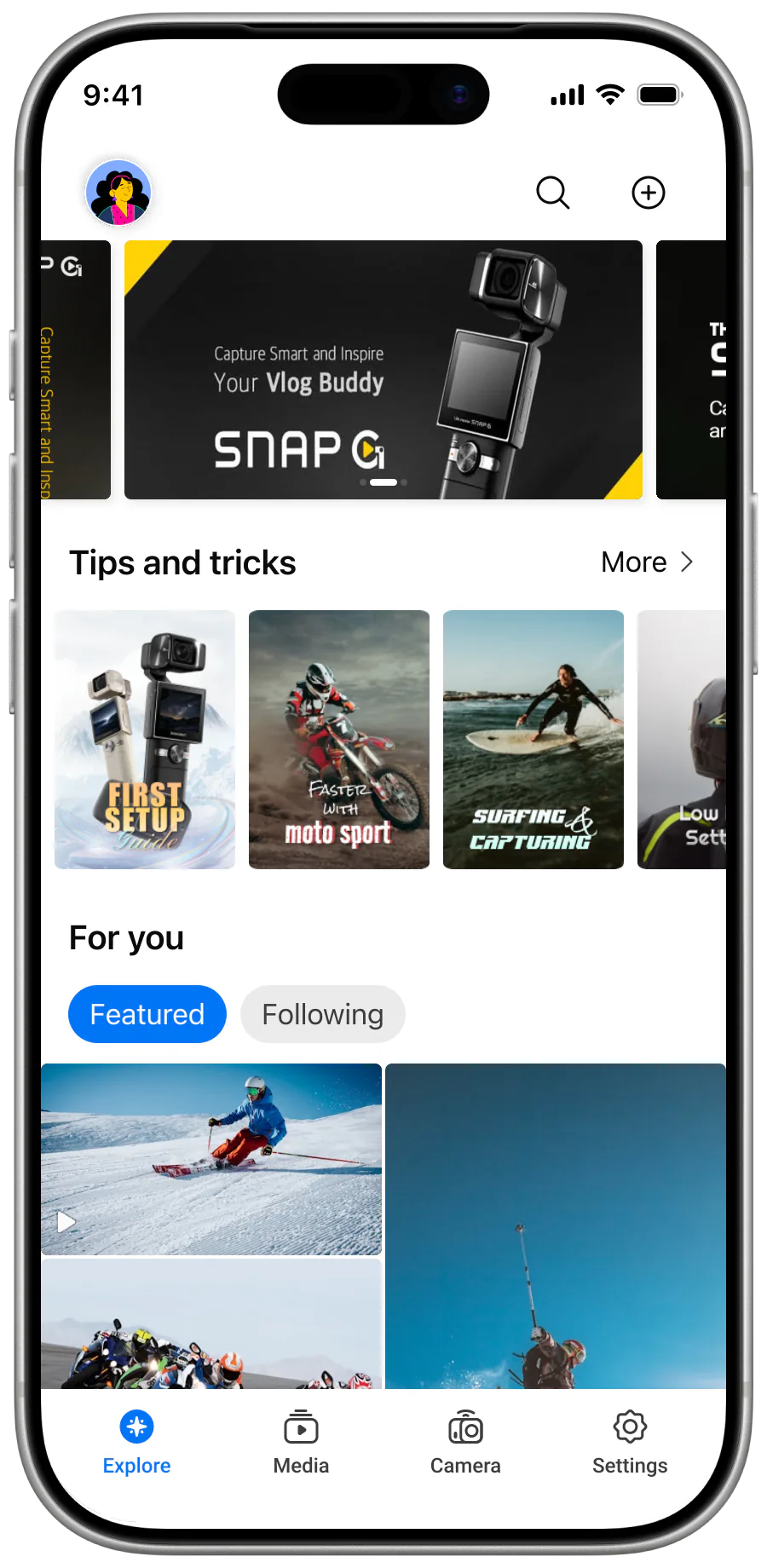
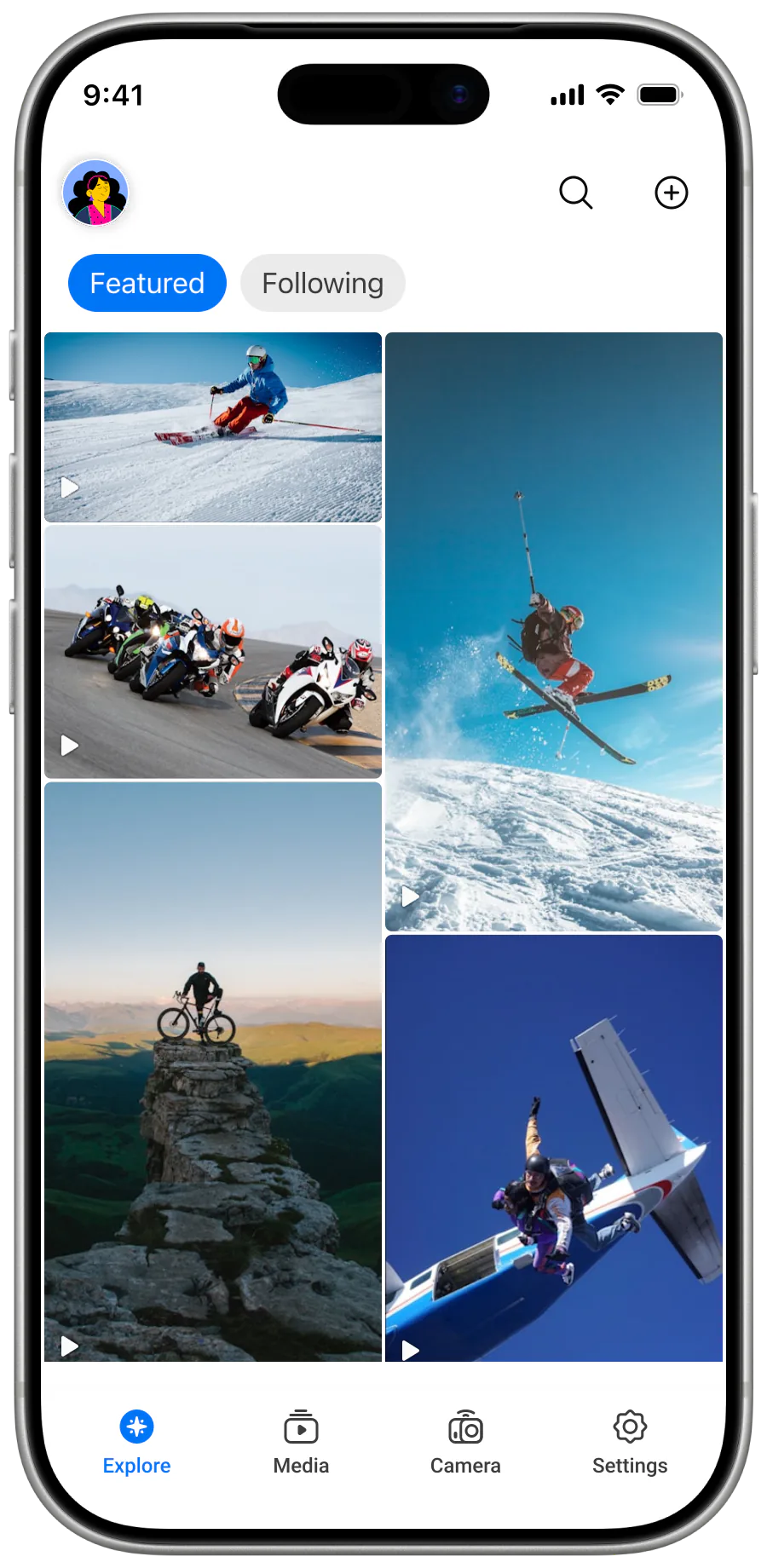
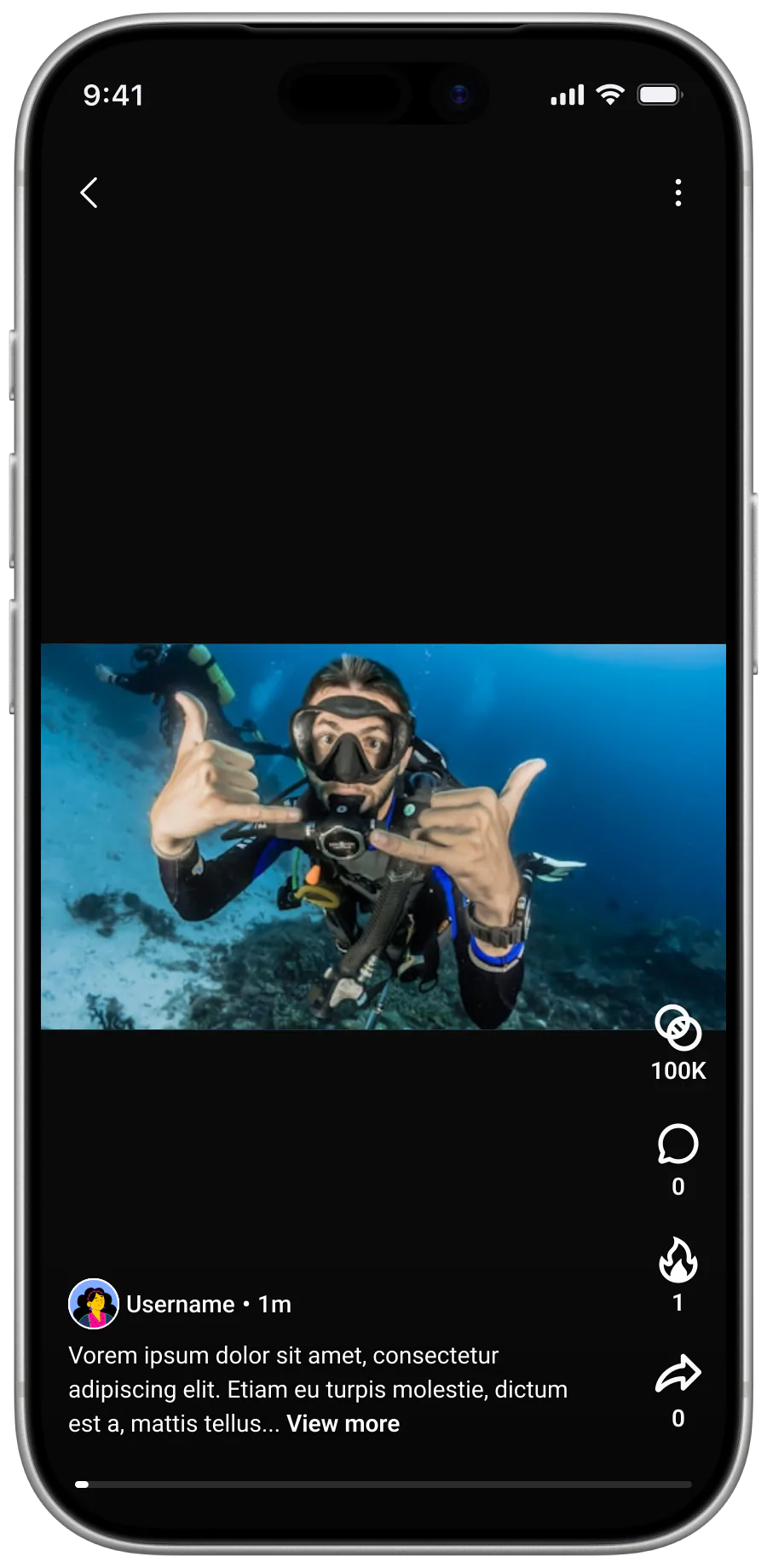
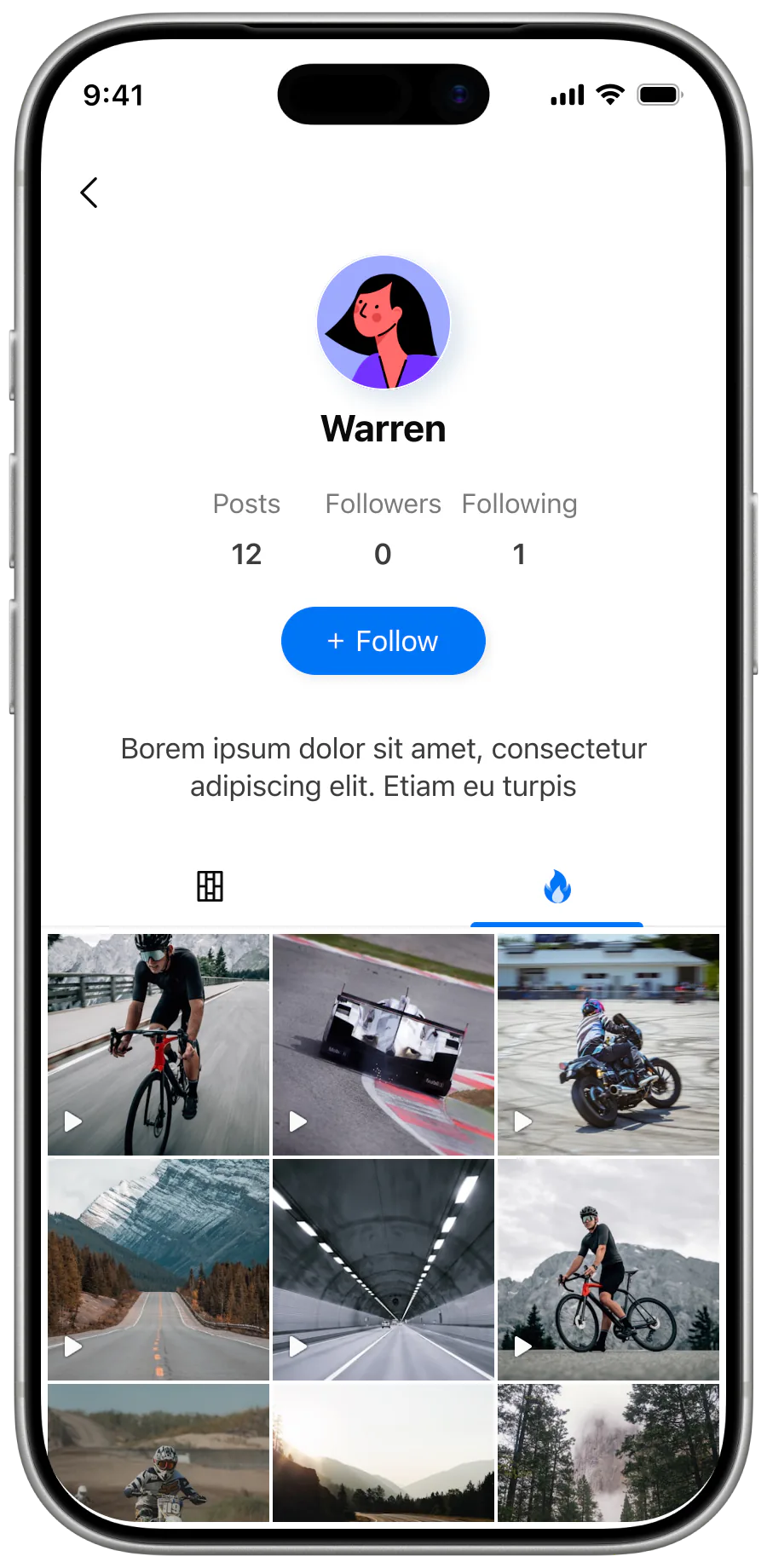
Context
XIAN is an action-camera companion app being developed alongside its hardware in Thinkware's R&D pipeline. Requirements and firmware behaviour were still evolving, with firmware delivered by an outsourced partner through the PM.
I worked as the sole UI/UX Designer with the BA team, helping establish product direction while the technical system and commercial priorities were still being defined.
Direction
Early requirements drew from GoPro and Insta360 without a shared definition of XIAN's target user or core value. The product risked becoming a catalogue of borrowed features rather than a coherent experience for non-professional users.
I started with the moment that mattered instead of the feature list. Casual users reach for an action camera during short, spontaneous experiences. Configuration is secondary; the meaningful moment comes immediately after recording, when they recognise something worth keeping.
Users are not looking for more control—they are looking for a faster way to capture and keep meaningful moments.
This reframing gave the team a basis for deprioritising speculative editing and community features. Connecting, capturing, and retrieving media became the core of the product direction.
System
I mapped XIAN as four connected parts: the user, the app, the camera hardware and firmware, and the storage layers across SD card, app, and phone gallery. Each part carried different constraints, and the app had to translate between them without making the user manage the system directly.
Component 01
User
Non-professional. Expects fast and simple interaction in spontaneous moments.
Component 02
App / Interface
Intermediary between user and hardware. Carries the system feedback the user sees.
Component 03
Camera hardware / Firmware
Evolving hardware spec. Firmware delivered by an outsourced partner under negotiation.
Component 04
Storage layers
SD card · app storage · phone gallery. Footage moves across all three.
Data path
Footage on the SD card → transferred to the app on connection → exported to the phone gallery for sharing. Every step introduces latency, dependency, and potential failure.
Media also moves through a fragile chain: capture on the SD card, transfer through the camera connection, then export to the phone for sharing. Connection instability, slow transfer, and incomplete system feedback could leave users unsure whether an action was progressing or finished.
SD card
App on connection
Phone gallery
Decisions
Hide system complexity from users
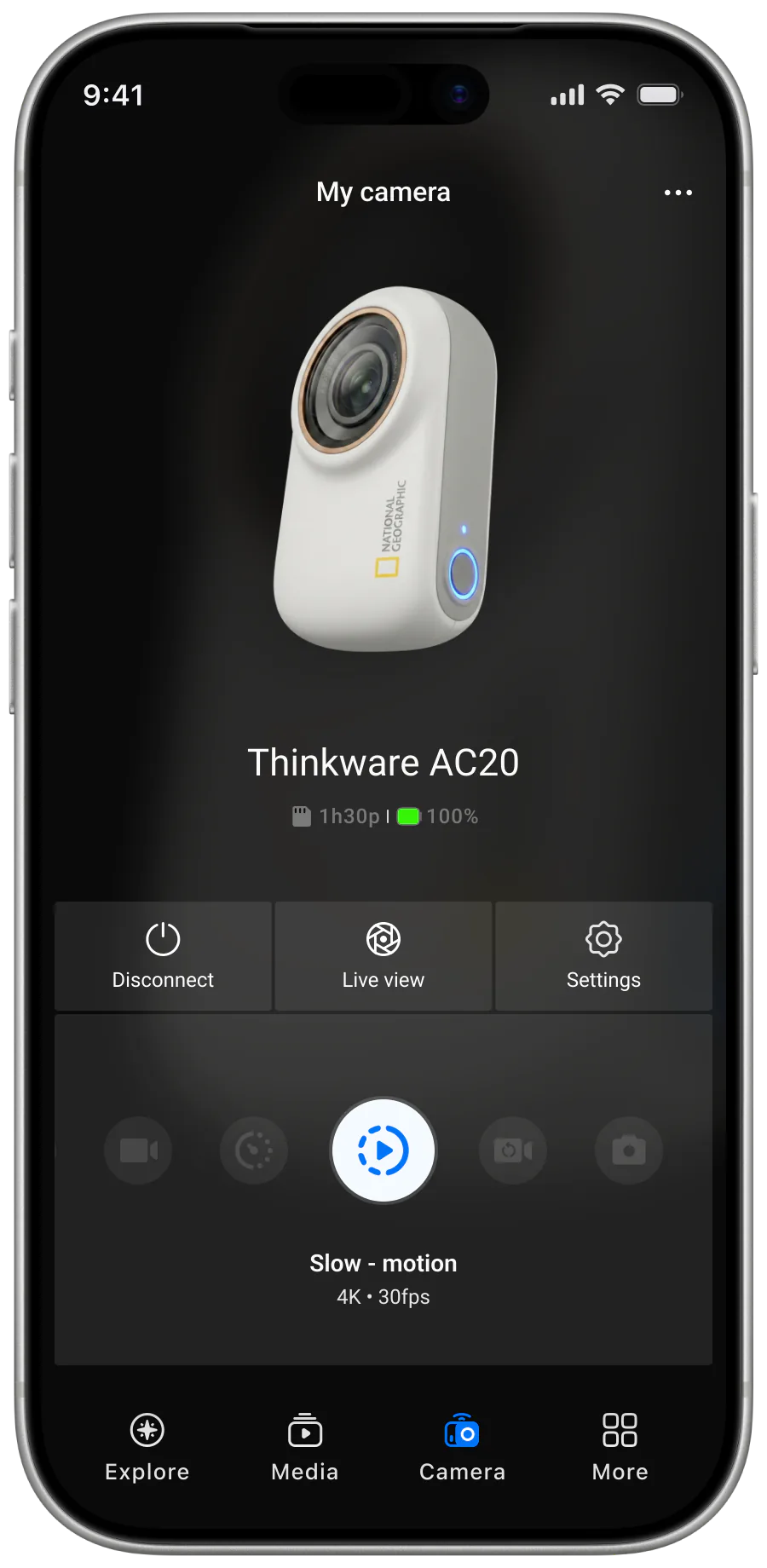
Multiple connection methods and evolving hardware could not be simplified at the firmware level alone. I proposed automatic scanning and detection, reconnection for registered cameras, and continuous feedback during discovery, handshake, success, failure, and recovery. The application would absorb more complexity so the user could reach the first meaningful action with less setup.
Simpler interaction requires more application logic and edge-case handling across hardware configurations.
Remove blocking transfer moments
Action-camera files are large, but the existing model held users behind the transfer list. I proposed a background-download queue that communicates progress while leaving the rest of the app available. Reordering and removing items illustrate possible controls; their final scope remains subject to product and engineering review.
Background transfer adds queue state, synchronisation, and recovery requirements, but avoids making every download a blocking task.
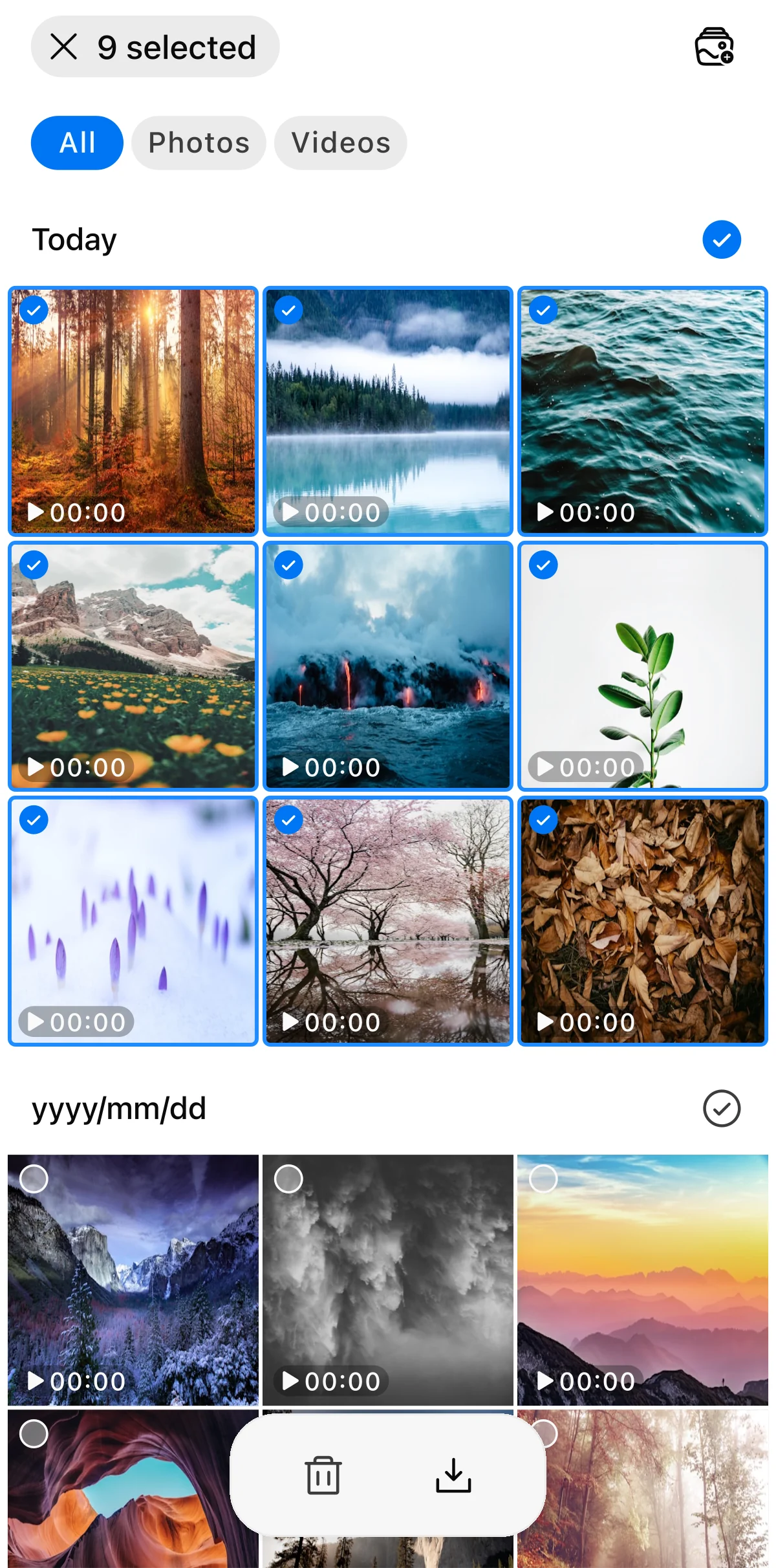
Step 01
Selection mode
User picks media in the gallery and taps Download. Nine items selected here become the queue passed to the next step.
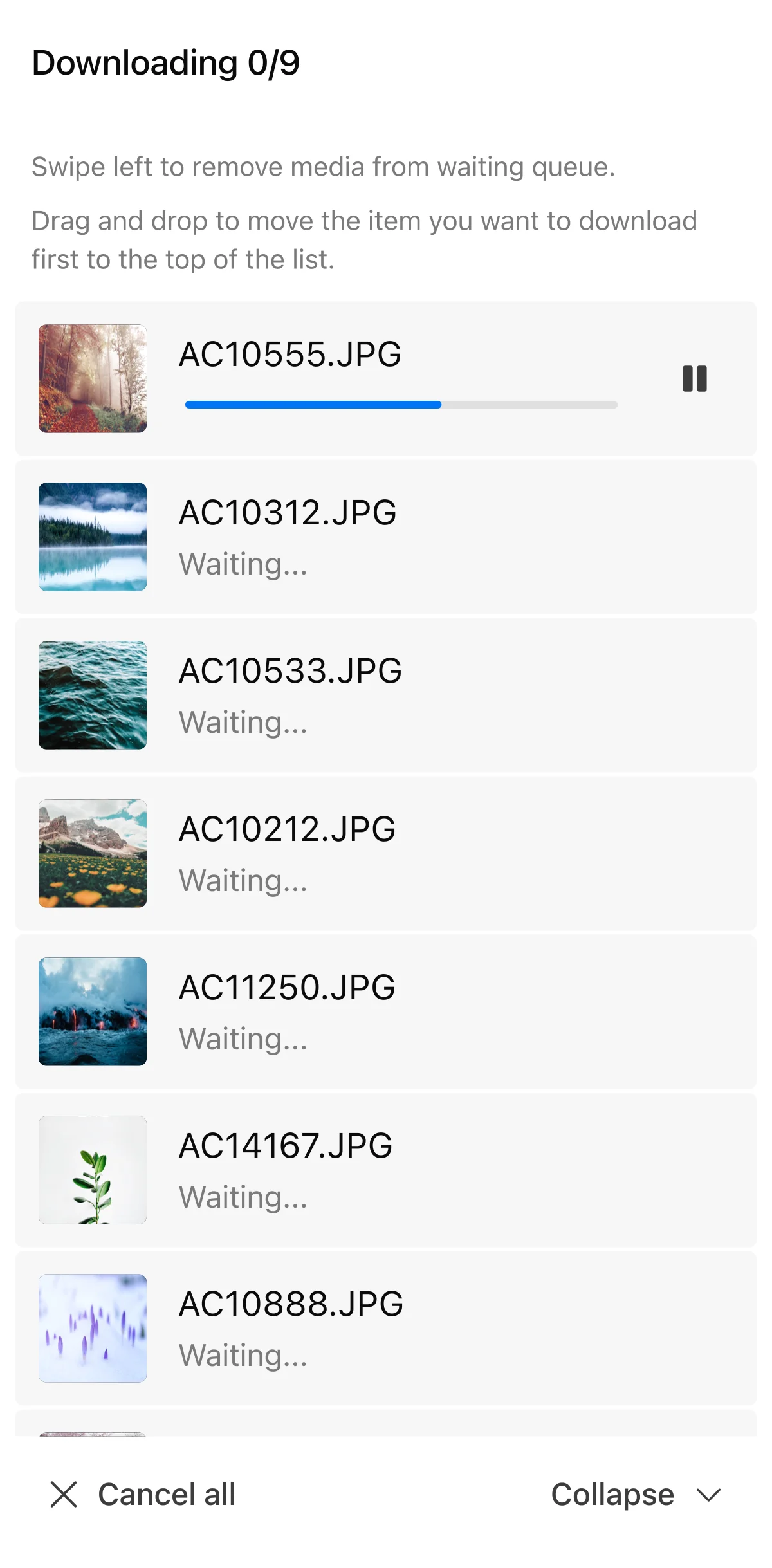
Step 02
Downloading sheet
A full-screen sheet surfaces the queue. The user can swipe to remove an item or drag to reorder priority while the first download runs.
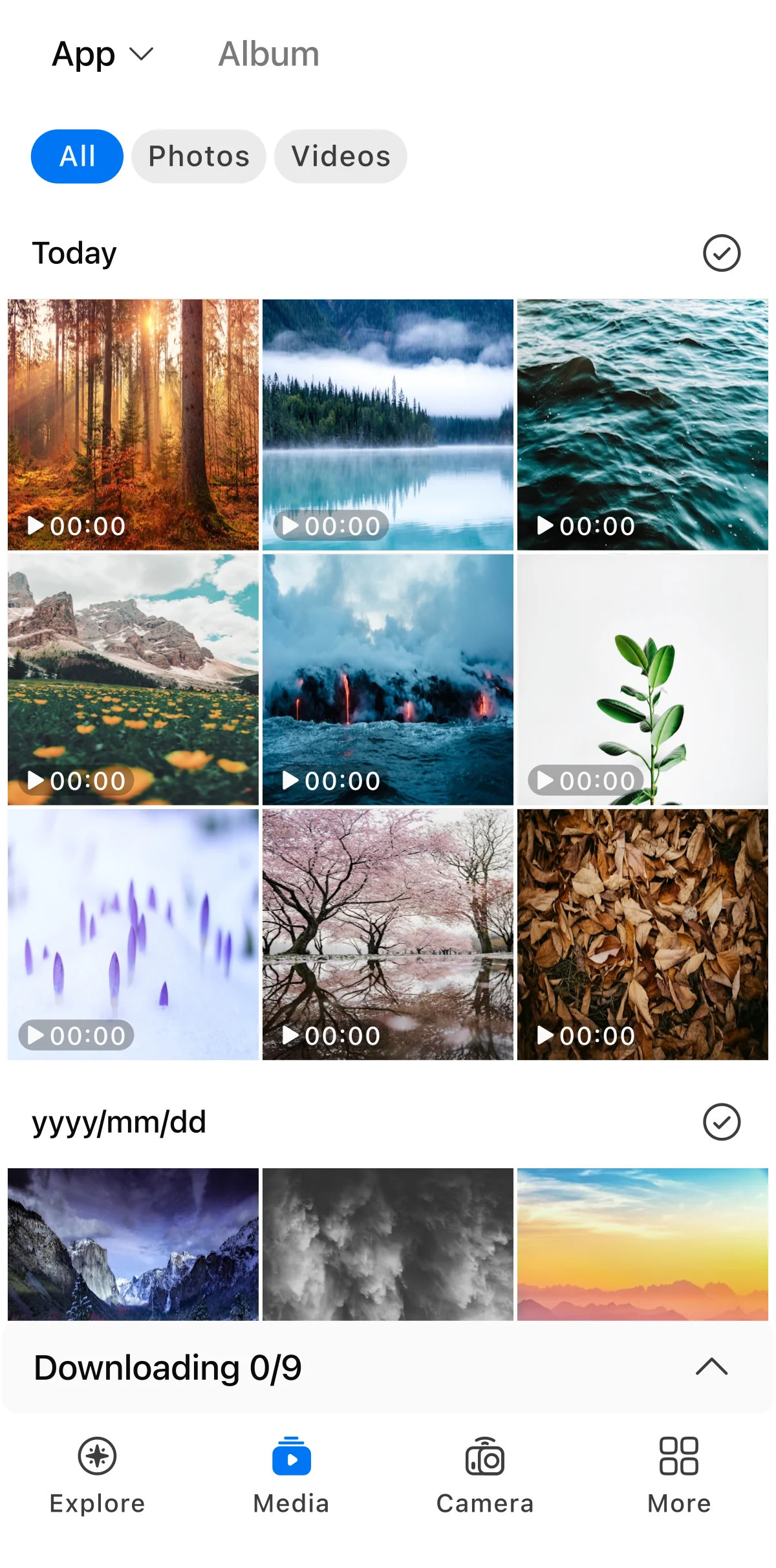
Step 03
Gallery + collapsed bar
Collapse drops the sheet to a bottom bar so the gallery (and the rest of the app) is usable through every transfer. Tapping the bar expands the sheet again.
Prioritise in-app review
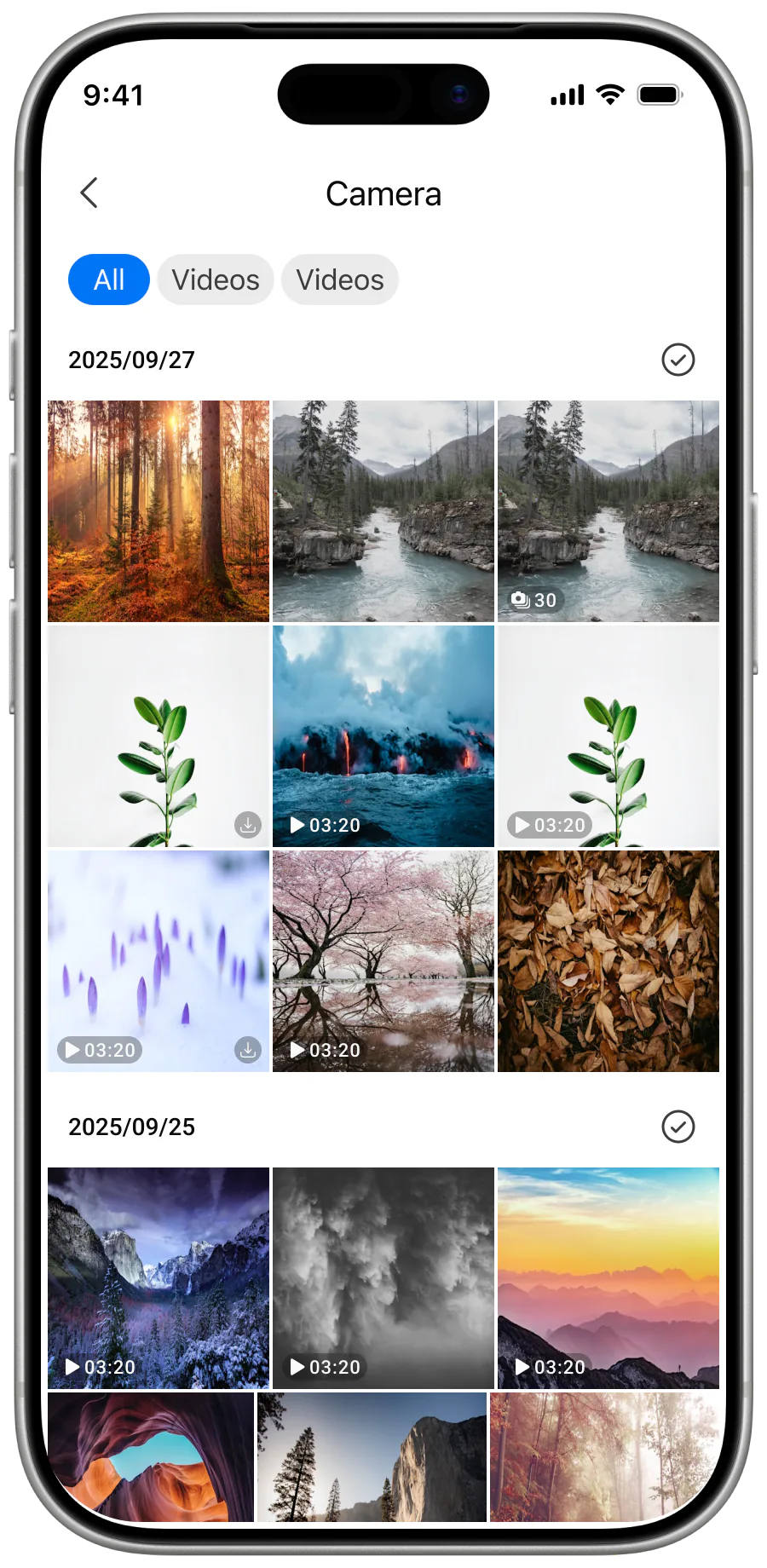
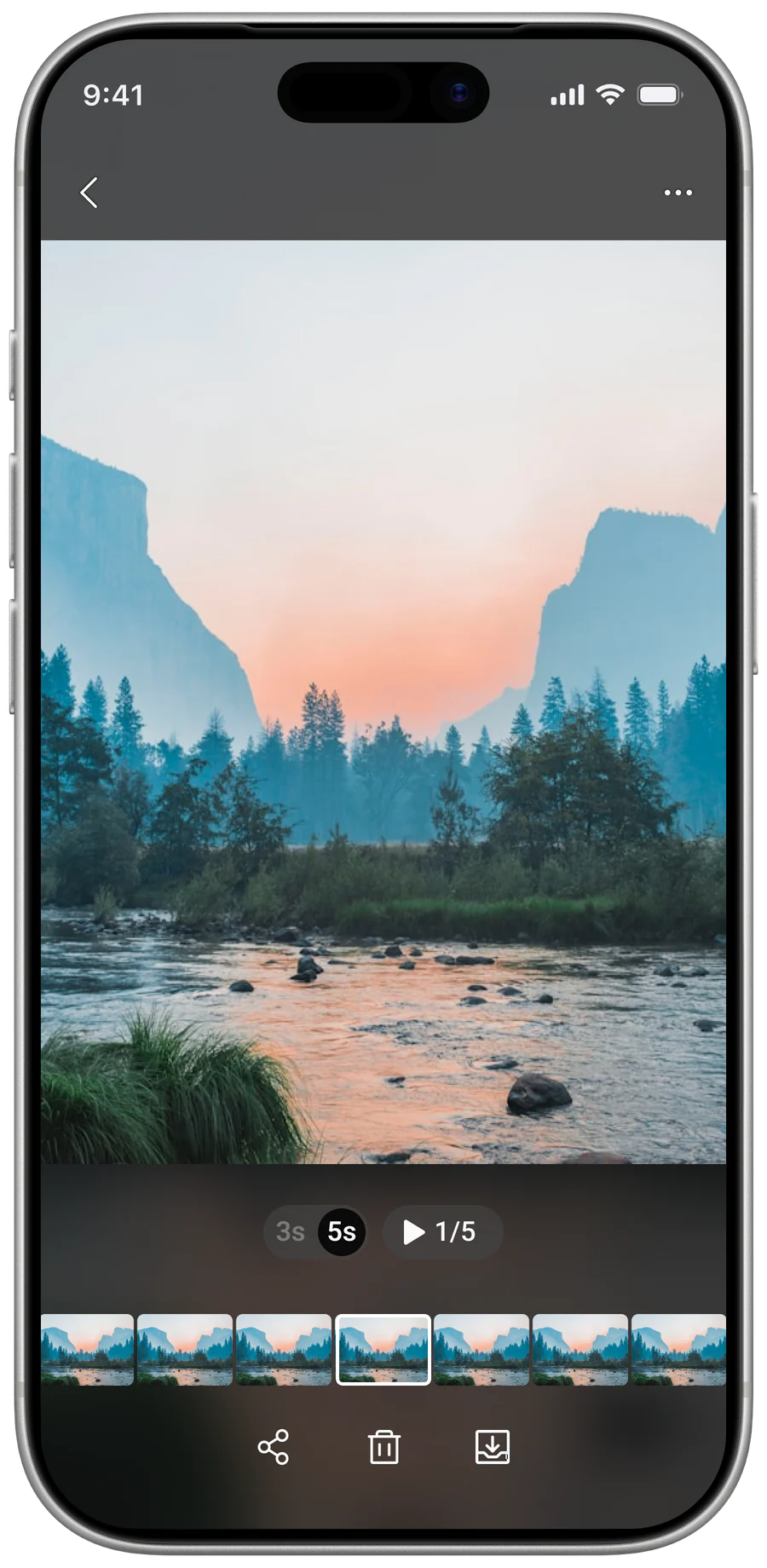
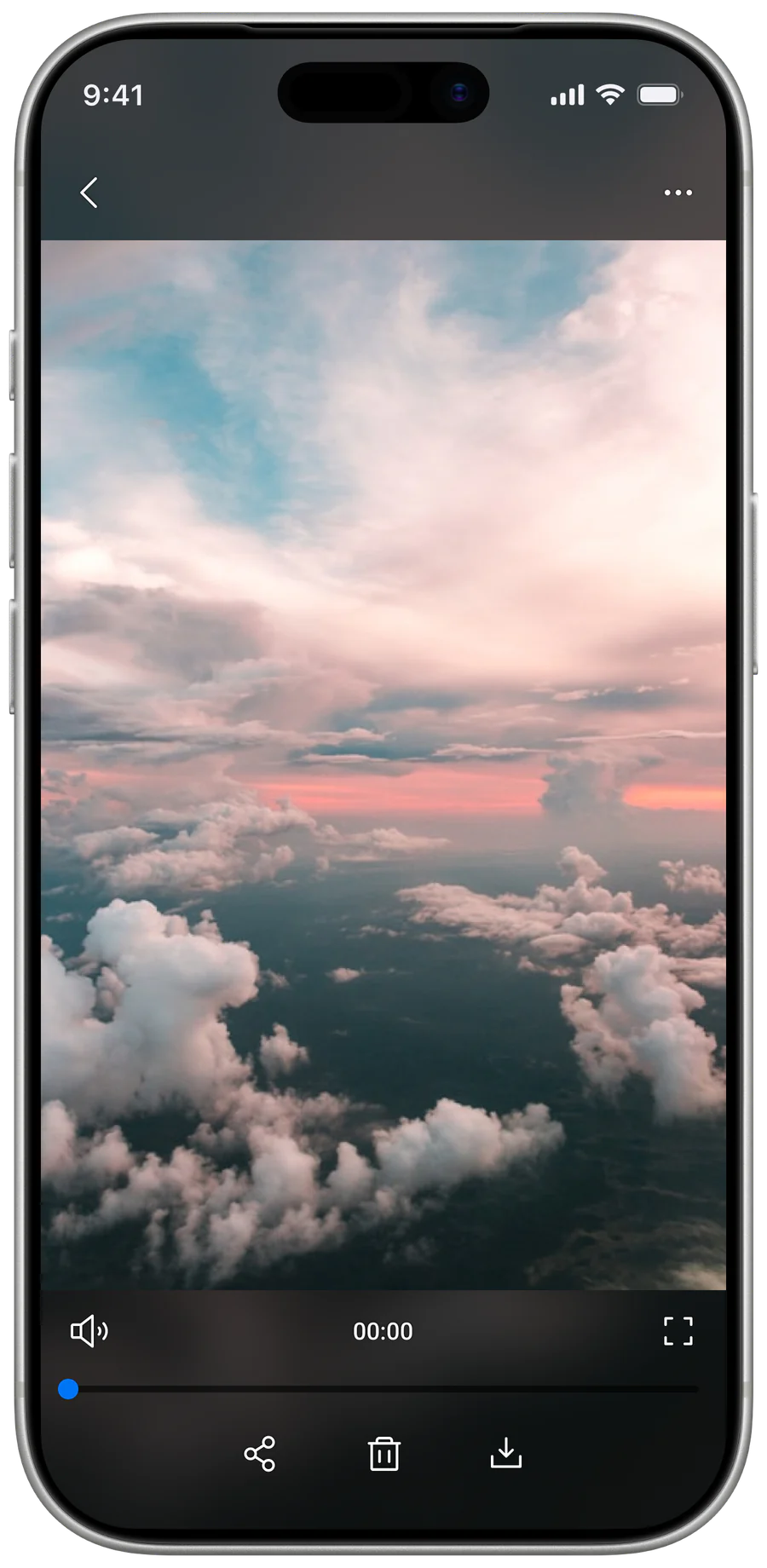
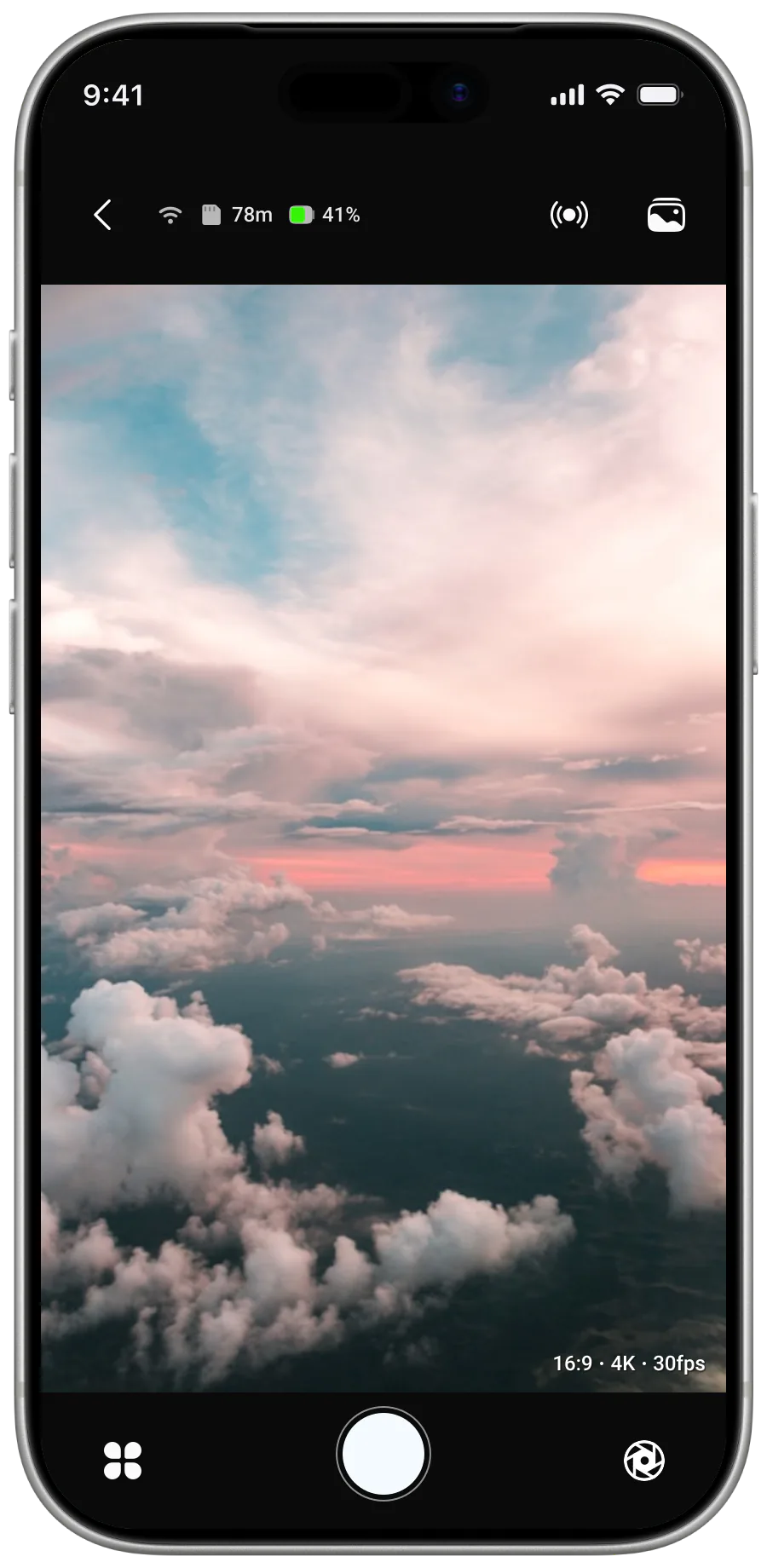
The camera's small LCD limits comfortable review. I proposed higher-quality streaming, preview, and playback in the app so users could evaluate footage on the phone before deciding what to save or share.
Better in-app review increases data use and remains dependent on connection quality.

Step 01
Live view
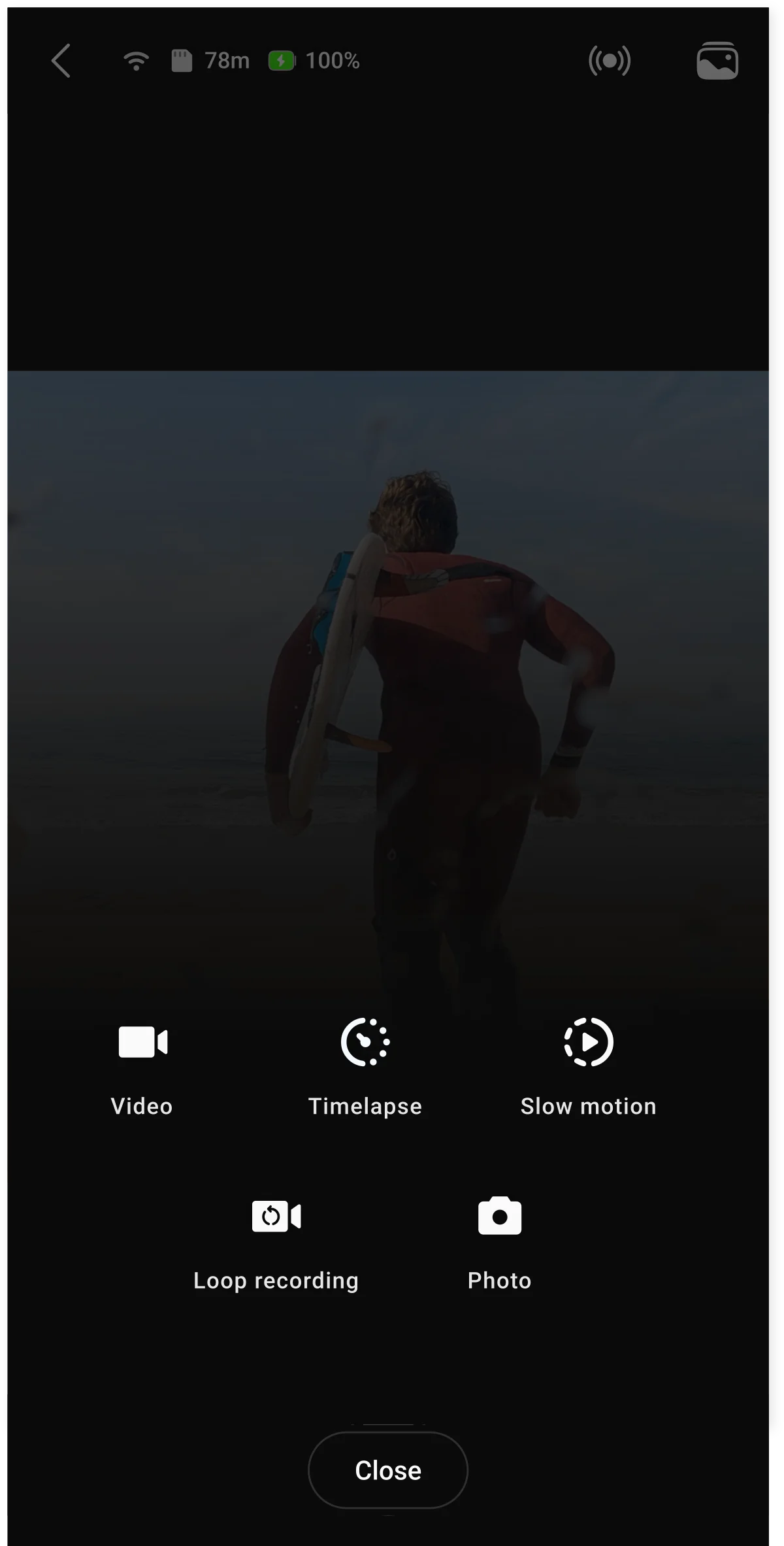
Step 02
Change mode
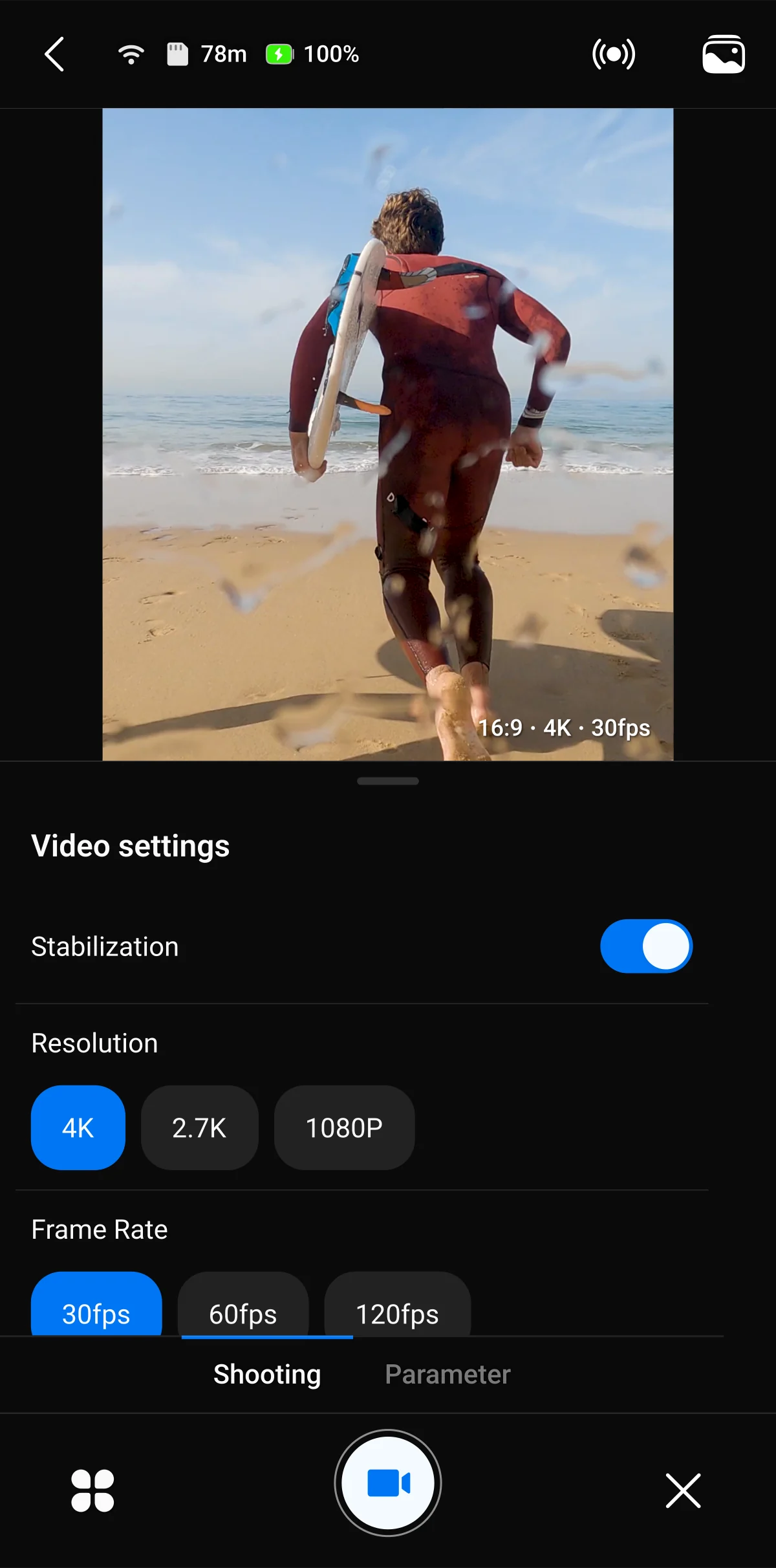
Step 03
Settings

Step 04
Recording
Foundation
Competitive and user research clarified the space between professional tools and casual creation. I translated this into three core flows—connect, capture, retrieve/save—and used them to test new feature ideas.
Connect
User → System → Outcome- Open the app
- Tap Connect
- Auto-scan nearby BT devices
- Resolve paired camera identity
- Send pairing command
- Negotiate firmware version
- Confirm BT control link is live
- Surface "Ready" to the user
Camera ready in one tap
Capture
User → System → Outcome- Pick a mode
- Tap the shutter
- Stream live preview over BT/Wi-Fi
- Sync framing telemetry
- Encode preview at app-side scale
- Trigger remote shutter on camera
- Buffer high-res footage to SD card
- Echo recording state back to UI
Capture, no camera-LCD detour
Retrieve
User → System → Outcome- Select media
- Tap Download
- Build a transfer queue
- Throttle bandwidth per file
- Resume on disconnect
- Run downloads in the background
- Write each file to the phone gallery
- Update progress on every thumbnail
Files saved while the user keeps going
I then established a compact design-system foundation for Android and iOS, using platform system fonts and reusable primitives before composing larger screens. Alongside interaction and UI work, I documented end-to-end flows and wrote SRS documents for several features, giving BA, engineering, QA, and the firmware partner a clearer reference as requirements evolved.
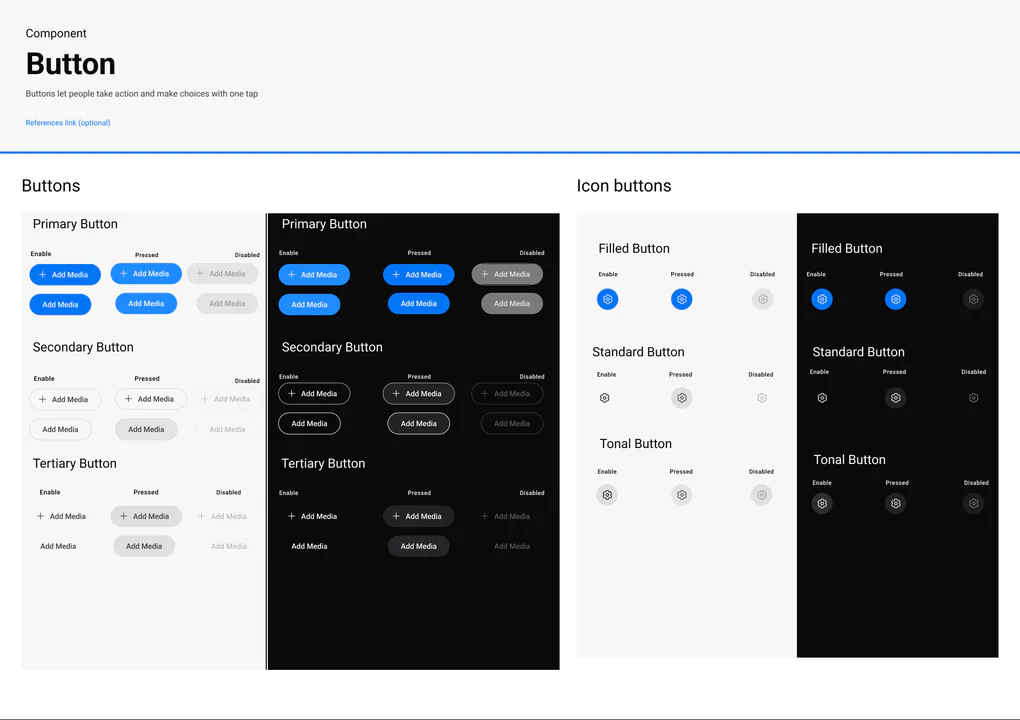
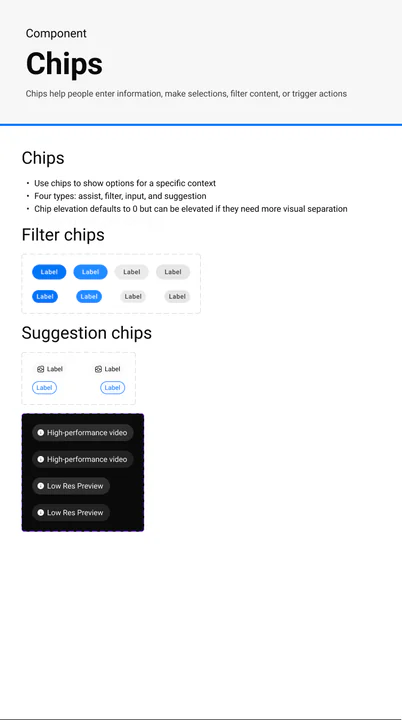
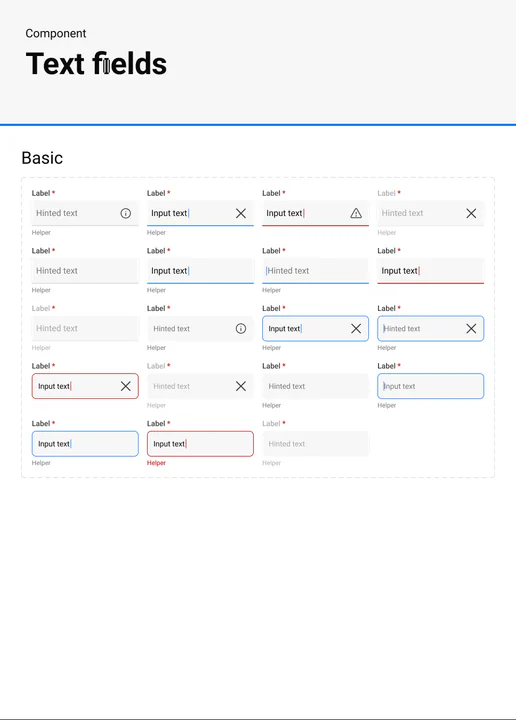
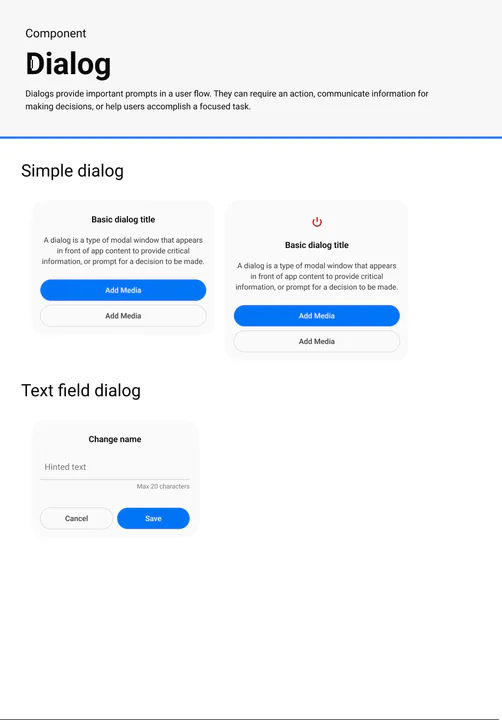
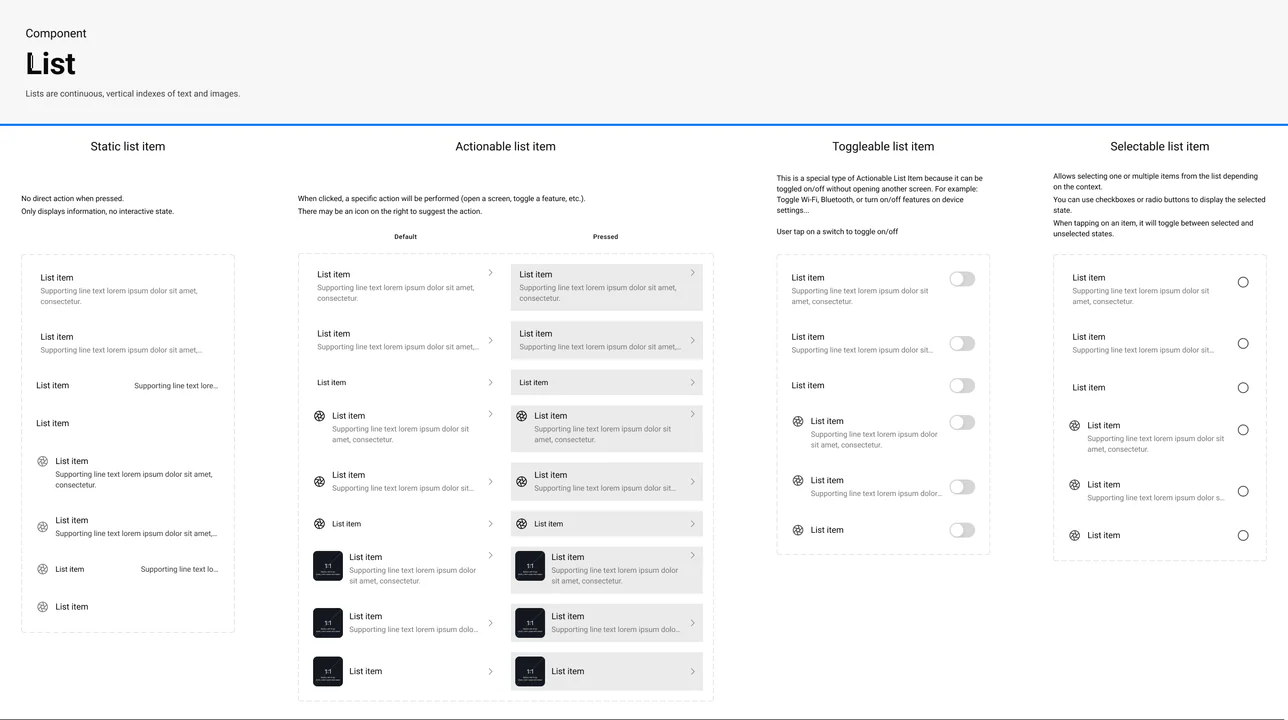
And 20+ More Components
Portable across Android · iOS
Outcome
The outcome at this stage isn't a metric — it's a foundation. R&D continues, but the product now has a defined direction and a working system to design against.
UX foundation established
Flows, documentation, and edge-case mapping are in place. End-to-end interaction design across camera connection, control, and media flows; SRS contributions for several XIAN features.
- BG
- Surf
- Text
- Accent
Design system foundation built
Built for scale and flexibility — portable across Android and iOS, with type on each platform's system font so dynamic font scaling can ship later without retrofit. Primitives first (buttons, chips, data entry, dialogs, lists); structural stability prioritised over visual polish.
- Connect
- Capture
- Retrieve
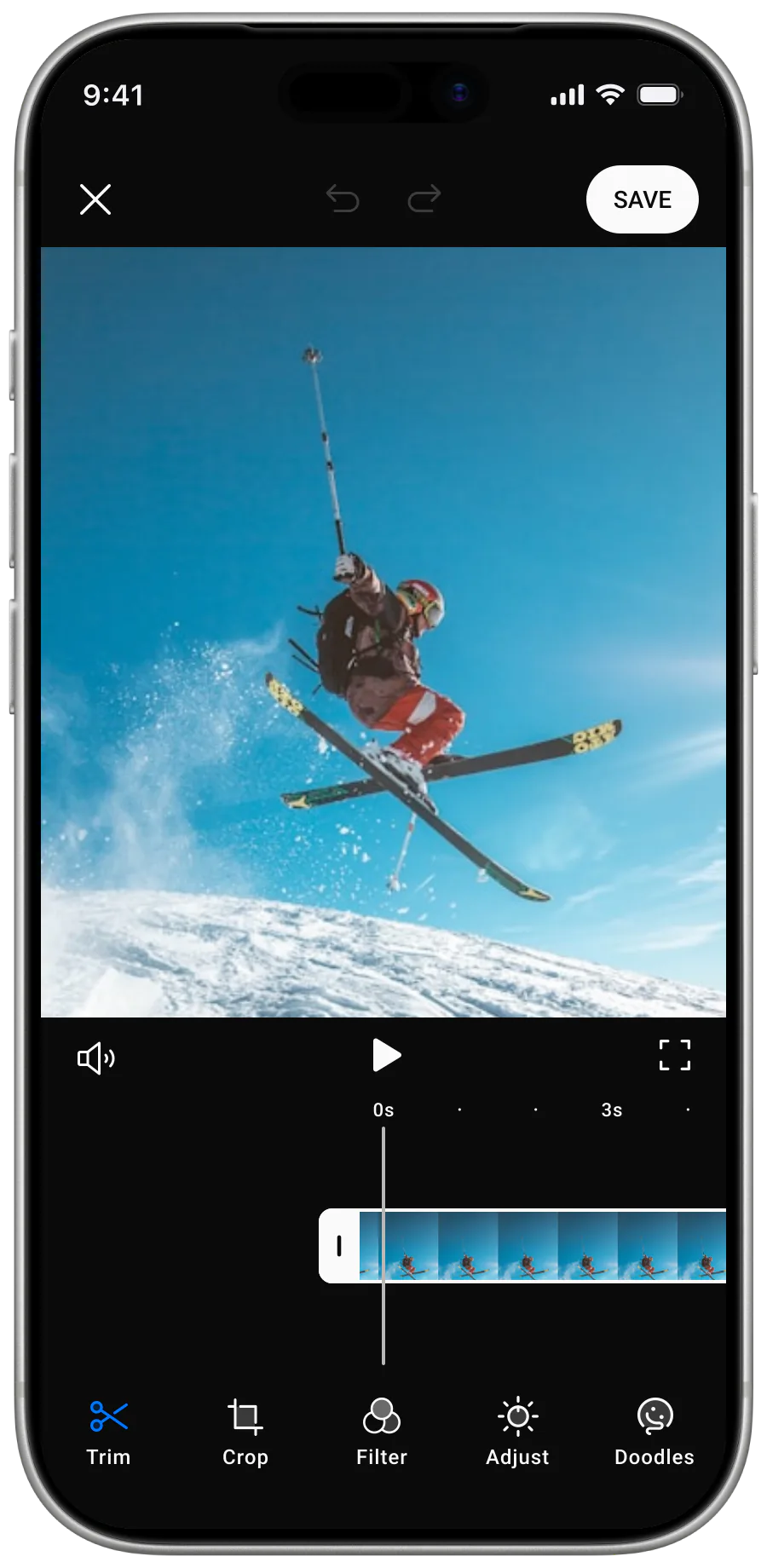
- Editing
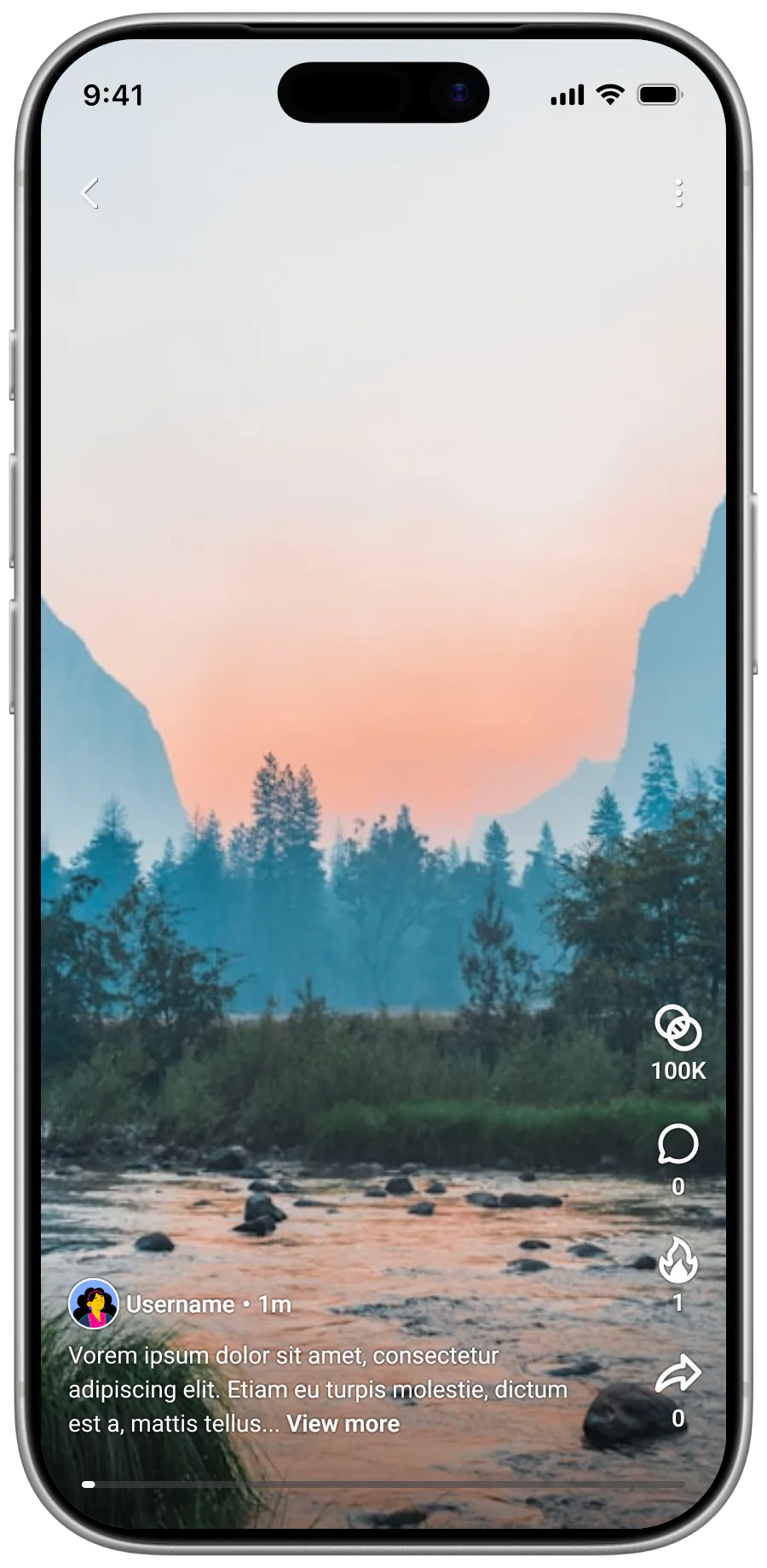
- Community
Product direction sharpened
Three core flows — Connect, Capture, Retrieve — confirmed as the experience anchor. Secondary features (editing, community) deliberately deprioritised so they don't fracture the foundation.
XIAN remains in the PRD/R&D phase, so launch metrics are not yet the relevant measure. The delivered value is a shared product frame, an explicit core-flow hierarchy, system-aware interaction proposals, and artifacts that help the team discuss scope against both user value and technical constraints.
The project reinforced a working principle: when a product is still undefined, design should first reduce ambiguity—about the user, the critical moment, and the system—before increasing interface detail.